
Text Mode
Many times it is preferable to run the CentOS linux installer in text mode, avoiding the GUI. For instance when using an older machine with less resources or when deploying a VM when console access might be limited, laggy.
A downside is that certain options are not present there, like manual partitioning is very limited when using text mode. Manual partitioning can be scripted, that will be shown in a different article.
The CentOS installer starts up with GUI mode by default. Here is how to override that.
First, load the machine from the installer DVD image or disk. When you see the boot screen, push the up button to select the “Install CentOS Linux” option, and hit the “TAB” button to edit the loader options.
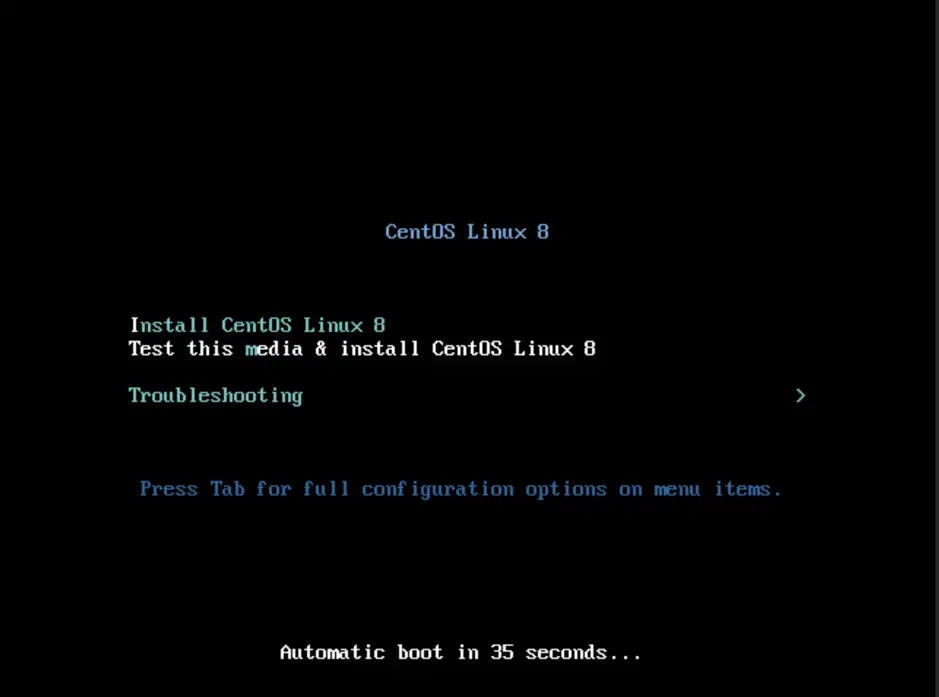
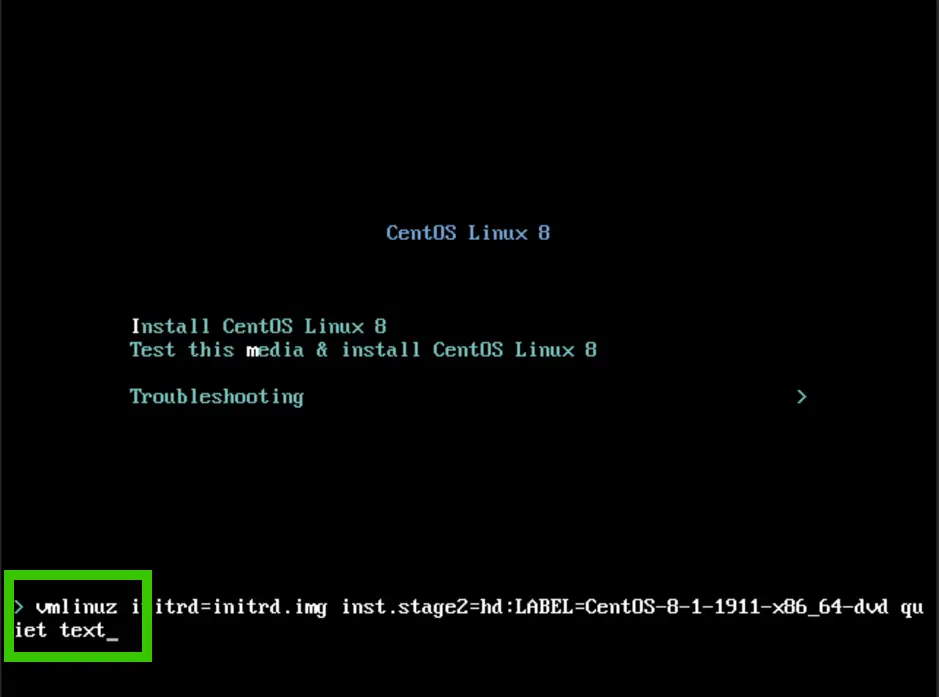
Add "text" to the end of the line, and hit ENTER:
Anaconda will run in text mode now.
Comments